


Your download will start in

Get the Wallpapers Central App
This wallpaper is available for free through our app for iPhone and Android.


Attributed wallpaper
This wallpaper is attributed to the user iSpazio. If you want to claim authorship or request its removal for copyright reasons, contact us here.
Description
Use this shortcut to add an Apple Vision Pro to your face (real photo or Memoji). The result will be funny.
Instructions:
- Save your Memoji or your face photo to the iPhone's Camera Roll.
- Launch meVisionPro Shortcut.
- You will be prompted to select the image from the gallery.
- The editor will then open, allowing you to position the Apple Vision Pro on your face. You can freely zoom, shrink, and move the overlay until you achieve the perfect result.
- Confirm, and the final image will be automatically saved to the Camera Roll.
- Share the result with your friends and on your social network. Mention @ispazio on Instagram and Twitter to be reposted.
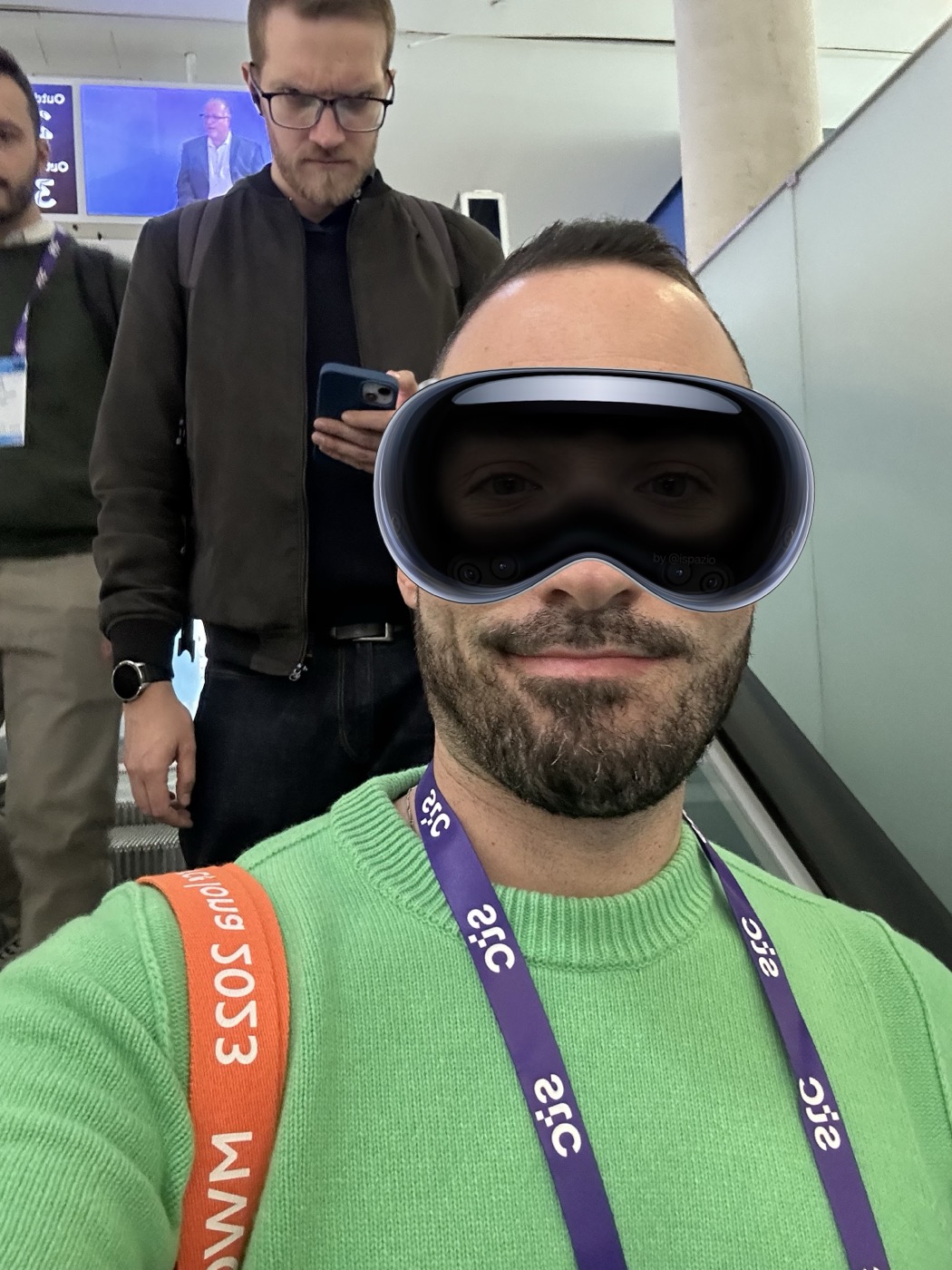

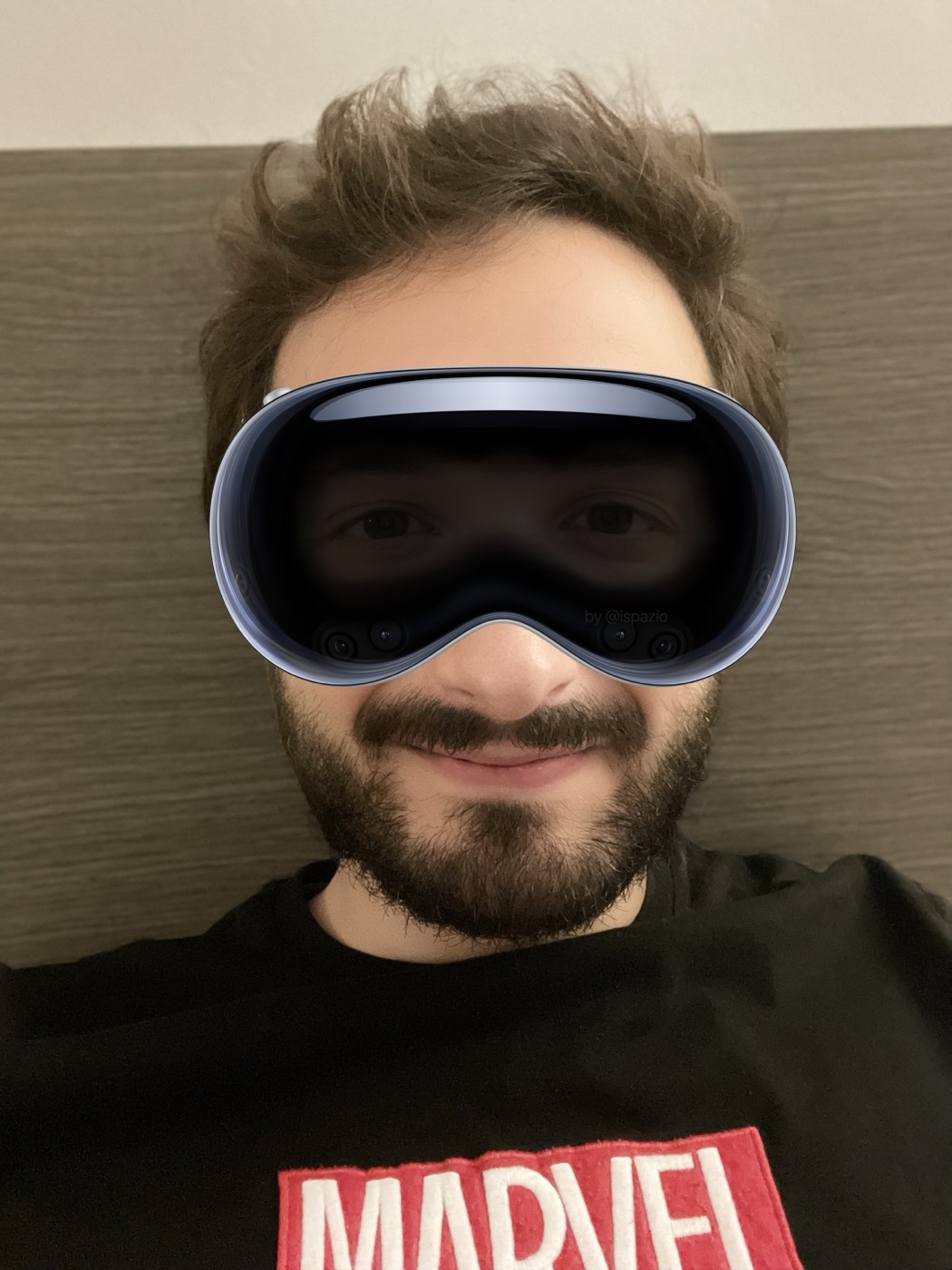
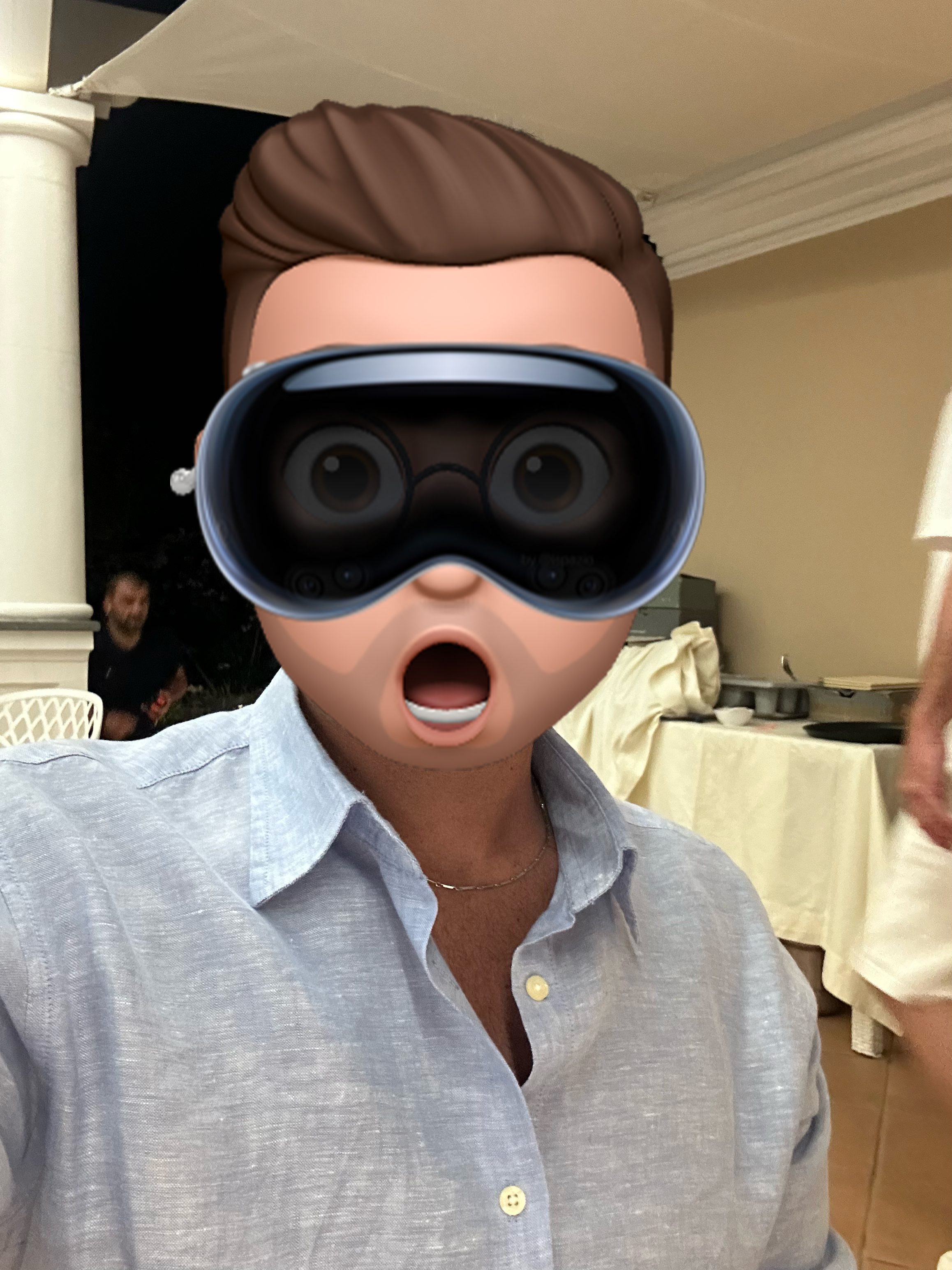
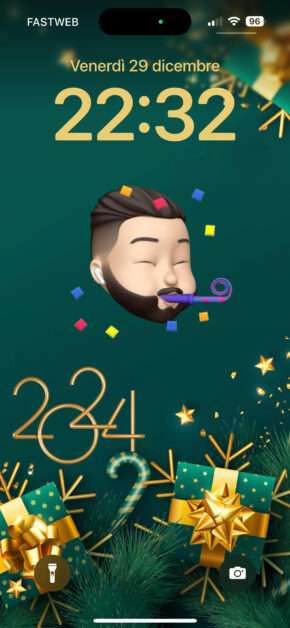
Wallpaper Preview on iPhone
Preview automatically generated with an internal Wallpapers Central system. The time on the Lockscreen can be adjusted in both height and color, offering a better final result than this simple preview.
Follow @ispazio on Instagram so you don't miss the weekly "Weekly Wallpapers" series where we suggest the best wallpapers to download for free.



Categories with Similar Wallpapers
You can find other similar wallpapers by browsing the categories
Be the first to comment on this wallpaper
Sign in to leave a comment: