


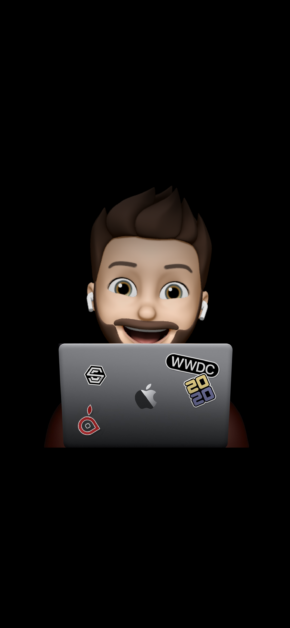
FREE
Download from App
Download from Web
Download meWWDC – Custom Wallpaper | Special Download (by @ShortcutsCentral)
Attribution required.
Your download will start in
5

Get the Wallpapers Central App
This wallpaper is available for free through our app for iPhone and Android.


Attributed wallpaper
This wallpaper is attributed to the user Shortcuts Central. If you want to claim authorship or request its removal for copyright reasons, contact us here.
Description

Download:

meWWDC Wallpaper ([download url="https://shortcuts.ispazio.net/mewwdc/"] downloads)

INSTRUCTIONS: How to Create your Custom meWWDC Wallpaper
- Download this Shortcut then open the Notes app and create a new note.
- Type your favorite Memoji Sticker and close the keyboard.
- Long-press on the sticker. Choose Share.
- Tap the “meWWDC” Action.
Istruzioni: Come creare il vostro Sfondo personalizzato meWWDC
- Scaricate questo shortcut ed installatelo, poi aprite l’applicazione Note di iPhone
- Inserite il vostro Memoji Sticker preferito
- Chiudete la tastiera e toccate a lungo sull’immagine. Dal menu che comparirà cliccate Condividi.
- Adesso scegliete “MeWWDC” dall’elenco



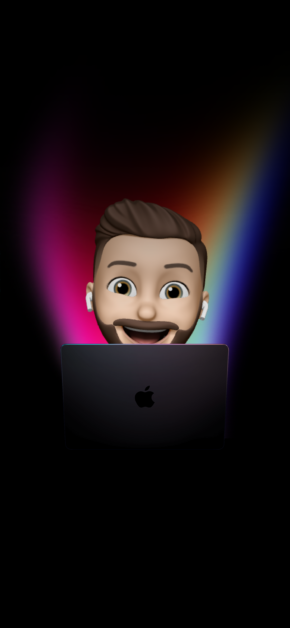

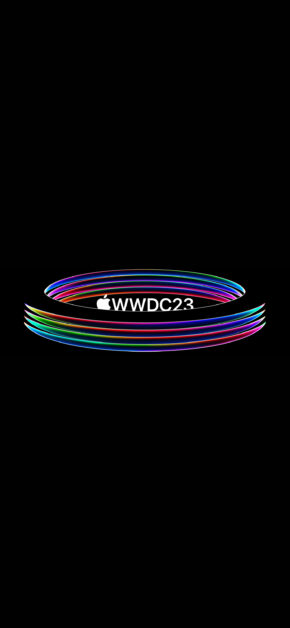
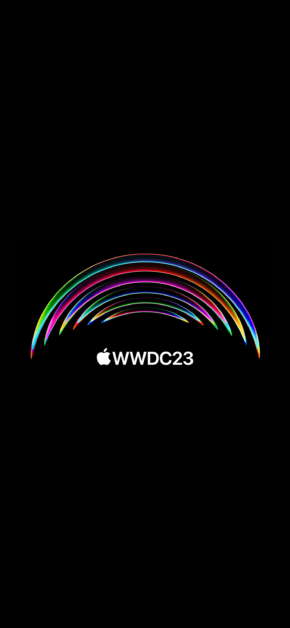
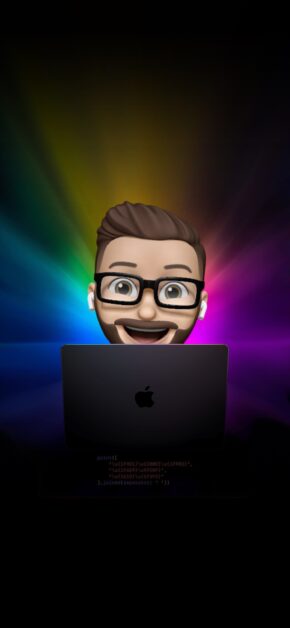
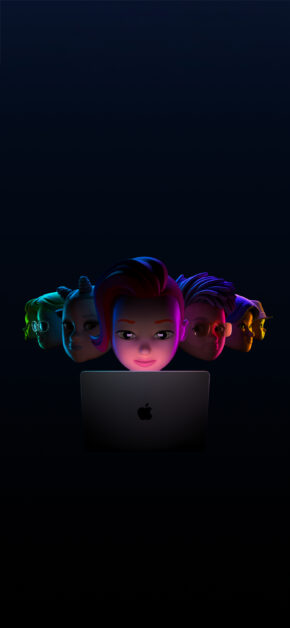
Wallpaper Preview on iPhone
Preview automatically generated with an internal Wallpapers Central system. The time on the Lockscreen can be adjusted in both height and color, offering a better final result than this simple preview.
Follow @ispazio on Instagram so you don't miss the weekly "Weekly Wallpapers" series where we suggest the best wallpapers to download for free.



Categories with Similar Wallpapers
You can find other similar wallpapers by browsing the categories

Be the first to comment on this wallpaper
0 onlineSign in to leave a comment: