

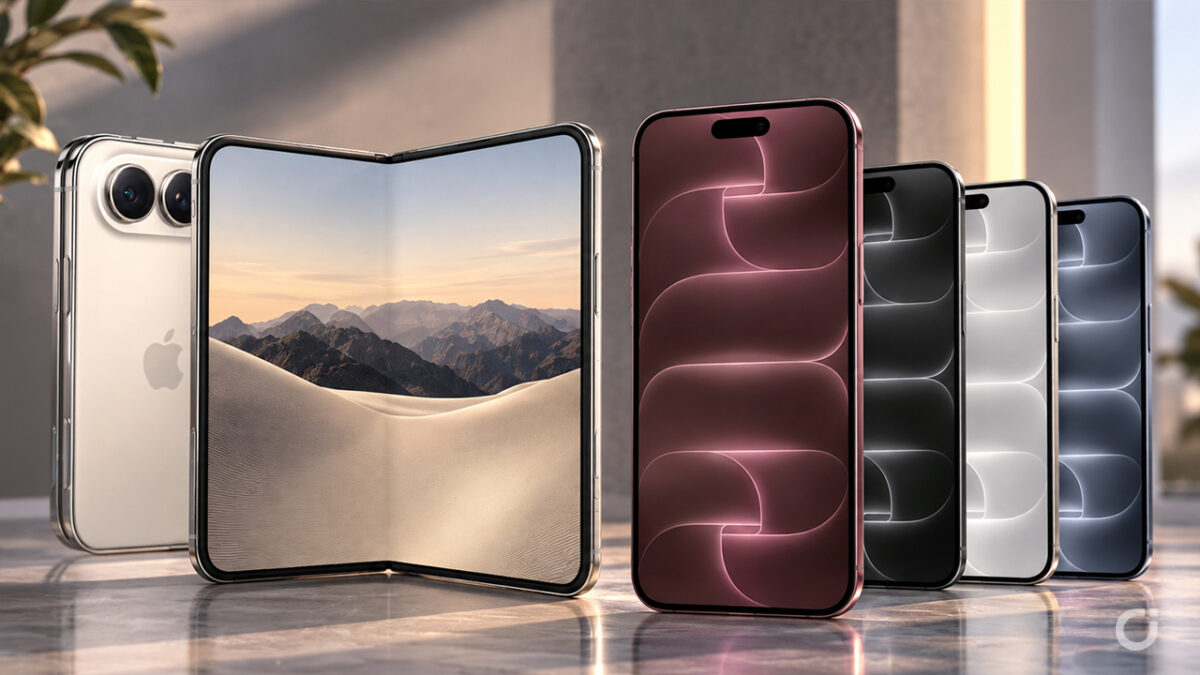
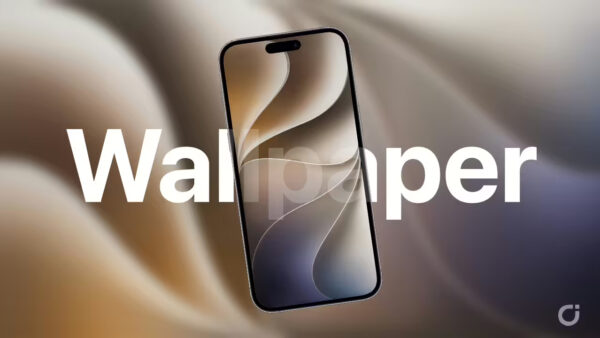
Apple has just introduced its two most talked about iPhones of the year, and as always the first thing enthusiasts look for is the set of wallpapers that ships with them. The iPhone Duo and the iPhone 18 Pro arrive with brand new stock backgrounds, and we have collected all of them right here on Wallpapers Central, ready to download.
As usual, what you find here is the real thing and not a recompressed copy floating around the web: every wallpaper is available in its full original resolution, exactly as Apple distributes it on the new devices. You also get both the Light and the Dark variants, so your background always matches the way your iPhone changes its look during the day.
iPhone Duo wallpapers
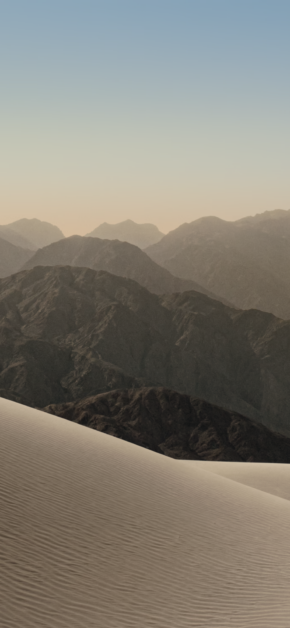
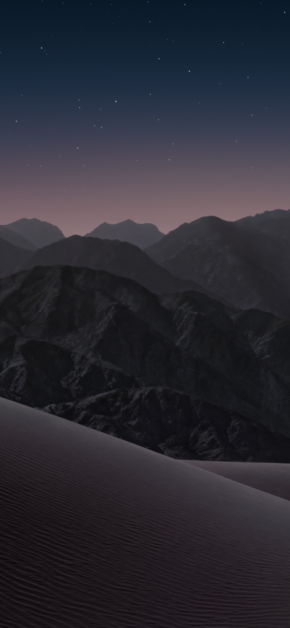
The iPhone Duo is the one everybody is curious about, and its wallpaper reflects that: a soft desert dune with a hazy mountain range behind it, in a warm and quiet palette that works beautifully on a folding display. Because of the two form factors, the same artwork comes in a portrait version for the closed screen and a wider version for the open one, which is why you will also find it as a tablet download. Both the Light and the Dark variant are available below, at native quality.
iPhone 18 Pro wallpapers
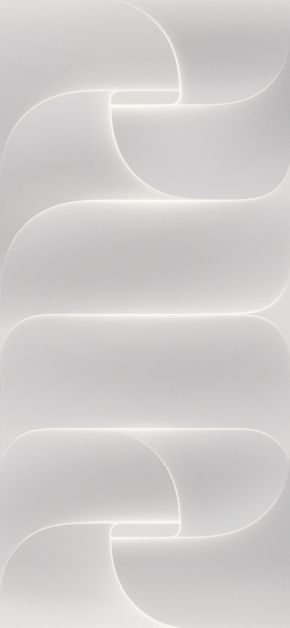
The iPhone 18 Pro set follows the colours of the new line-up: Silver, Black, Glacier and Burgundy. Each one is designed to blend with the finish of the matching model, and each is available here at full resolution so it stays perfectly crisp on the Pro display. Pick the one that matches your device, or mix and match if you prefer a different accent on your Lock Screen.
How to download them
Every wallpaper in this collection can be downloaded with a single tap from the cards below. On iPhone, open the one you like, download it and set it from Photos as your Lock Screen or Home Screen background. If you own an iPad or a folding iPhone, remember to look for the tablet version, which is cropped for the wider screen.





Be the first to comment
0 onlineSign in to leave a comment: