


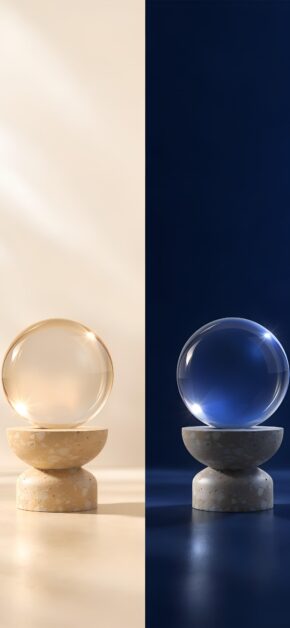
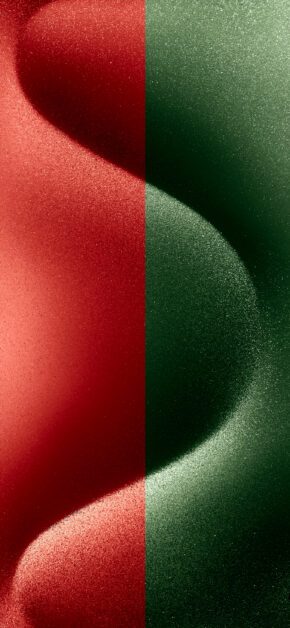
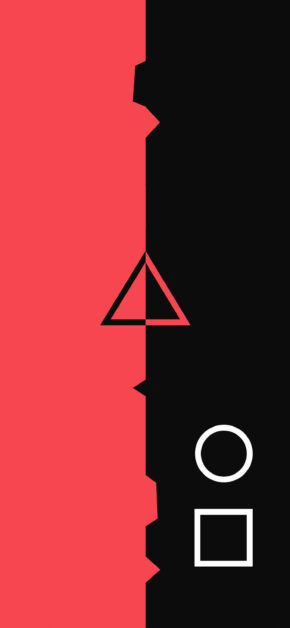
DUAL wallpapers are split in two right down the middle of the screen: usually one light side and one dark side. The result is a phone with a double identity, on the very same Home Screen.
How to use them
Place each icon and widget in the half that suits its color best: light widgets on the dark side, dark widgets on the light side. Every half gets its own style and the Home Screen stays tidy and balanced.
- Widgets on one side, app icons on the other.
- Work apps on one half, free time on the other.
- With Dark Mode or tinted icons, each side keeps its contrast.
Below you’ll find all the wallpapers in the DUAL collection, ready to download.











Be the first to comment
0 onlineSign in to leave a comment: