

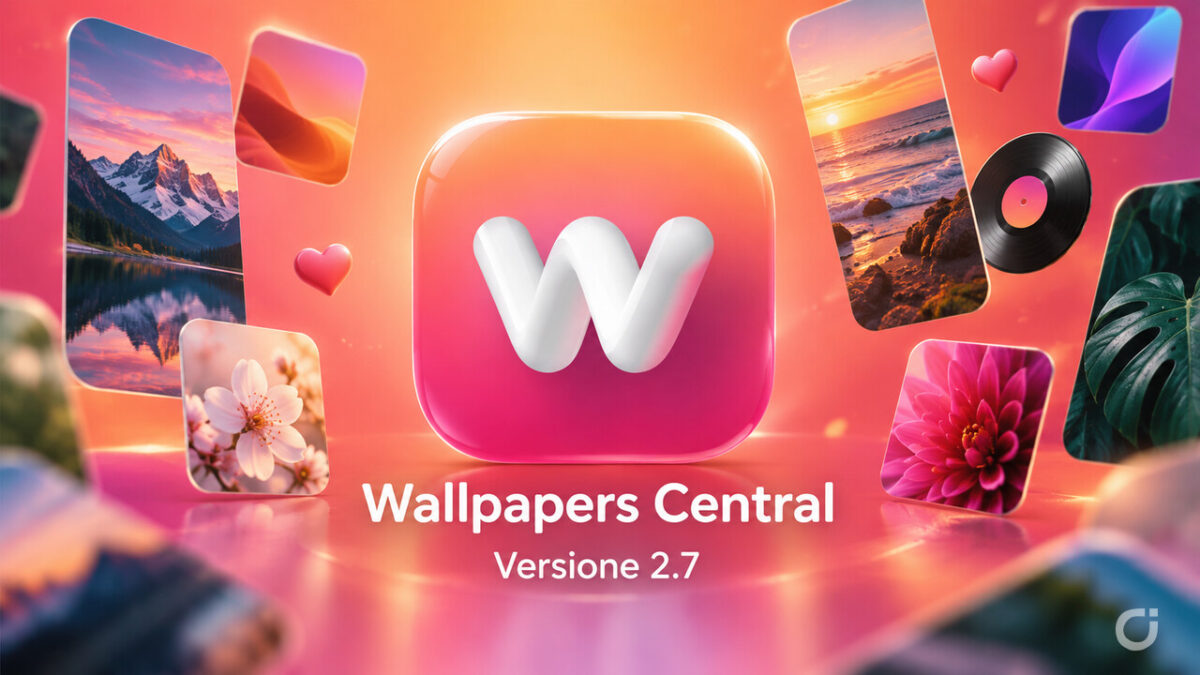
The new version of Wallpapers Central, our wallpaper and ringtone app for iPhone, is now available on the App Store. With version 2.7 the app gets ready for the arrival of iPhone Duo with a wallpaper section all of its own, brings back to the Home a For You section that this time really learns from your taste, renews the Collections and changes the way wallpaper pages open, with a new animation and a preview that finally fills the whole screen.
As with the previous versions, let’s start with a quick overview and then go through every new feature in detail, so you can find each of them right away in the app.
Wallpapers Central 2.7: what’s new at a glance
- iPhone Duo wallpapers: a brand new section with high resolution square wallpapers for the inner screen of Apple’s foldable, with the right download suggested automatically.
- For You: it is back in the Home and it is based on what you view, download and save, as well as on the creators and users you follow.
- A livelier Home: a reorganized menu translated into your language, many more cards at the top, all with dynamic content and with the most downloaded item of the week.
- Wallpaper page: a new opening animation, a full screen preview, sideways swipe to move to the next wallpaper and upscaling with our own AI for wallpapers uploaded by users.
- Matching Wallpapers: the whole set on a single page, downloadable with one tap.
- Collections: a new design, they create and update themselves, move to the top when they get new wallpapers and can be commented on.
- LIVE, Ringtones and Account: three LIVE wallpapers per row, a weekly or all-time ringtone chart, an improved mini-player, faster Sign in with Apple and a profile picture you can crop.
The Home: a reorganized menu and lots of dynamic cards
When you open the app, the first thing that changes is the horizontal menu at the top: we rearranged the sections, the shortcuts now include the Collections too and everything is translated into your language.


Right below are the scrolling cards, which are now many more and all show dynamic content that updates by itself: LIVE Wallpapers, Ringtones, Depth Wallpapers, Matching Wallpapers, 3D Wallpapers and the new iPhone Duo card.
The best part is that these cards are no longer static images. The LIVE card shows the most downloaded animated wallpaper of the week right inside the drawn iPhone, and videos start immediately, with no waiting. In the Ringtones card, instead, you can play the most downloaded ringtone with a tap on the vinyl.
iPhone Duo wallpapers: a whole new section
The biggest new feature of this version is dedicated to Apple’s foldable. The iPhone Duo card leads to a completely new section, with high resolution square wallpapers designed to fill the inner screen when the phone is open, both in portrait and in landscape.


In the Home the new iPhone Duo row sits right below the Community, with rectangular previews that match the proportions of the open screen. Tapping a preview opens the download page already in the right position to get the right file. And if you are using the app on an iPhone Duo, it suggests the foldable version straight away, which also adapts to the outer screen when the phone is closed.
For You: back in the Home, and it learns from your taste
The For You section is also back in the Home, right below the Latest Wallpapers, but it is very different from before. Behind it there is an algorithm we worked on a lot, which takes into account the wallpapers you have opened, the ones you have downloaded and the ones you have saved to your favorites, and turns them into tailored suggestions. New wallpapers from the creators and users you follow also make their way into your For You.


So that you don’t end up stuck with only what you already like, the personalized suggestions alternate with picks from our team. The result is a section that really shows you wallpapers you might like, and that gets better the more you use the app.
The wallpaper page: a new animation and a full preview
When you tap a preview, in the Home but also in the other sections of the app, you see a new zoom animation: the wallpaper starts from the point where you tapped it, moves to the center of the screen, grows and slides very smoothly into the details screen. The same motion goes with it when the page closes.
On the page the preview is no longer square and cropped: you see the wallpaper in full and it fills the whole screen. And to move to the next wallpaper you just swipe sideways, without going back.

Then there is a new feature you don’t see but you notice: upscaling with our own AI. Our proprietary artificial intelligence automatically increases the resolution of wallpapers uploaded by users when they are too small for our standards. It only applies to user uploads, because the wallpapers we publish already meet our quality rules.
Matching Wallpapers: the whole set on a single page
The way we handle and show Matching Wallpapers also changes radically. They were born to be shared: as a couple, with 2, 3 or 4 friends, or to switch between light and dark mode with the Night / Day sets.


Until now every wallpaper in a set was a separate download, to be searched for in the app. Now, when you select one, you see a preview of all the wallpapers in the set on a single page, and with a single tap you download them all together.
Community and Collections, renewed
In the Community section the author’s avatar now appears right on the preview, so you can immediately see who uploaded the wallpaper.
Collections, that is the groups of wallpapers that share a style or a type, have been updated both in the Home and in the third tab. The design changes, with a cover for each one and a description in your language, but above all the approach changes: collections now create themselves when there are similar wallpapers and grow automatically when new ones arrive.


The order is different too. In the Collections section they are no longer sorted by publication date, but dynamically: at the top you find the ones that have recently received new wallpapers. And starting with this version you can also leave comments on collections.
LIVE and Ringtones
The LIVE page now shows three wallpapers per row, with lighter previews that load faster.
In Ringtones, the chart of the most downloaded opens on the last week, but you can also choose to see the most downloaded of all time. We improved the mini-player, which now pauses and resumes playback when you tap the cover as well, not just the dedicated button, and we touched up the covers in the Most Downloaded section. The guide to setting a ringtone is also clearer, with the exact names of the buttons to tap.


Account and general improvements
The Verified Creators section has a better design.


Sign in with Apple is faster: if you already have an account, you are in right away, with no extra steps. You can pick your profile picture and crop it precisely, and notifications now show the photo of whoever started following you.
Under the hood, previews arrive in the right size for every screen, so everything loads faster and uses less data, and videos are downloaded only once and restart instantly. On top of this there are lots of small fixes throughout the app.
The update is already available on the App Store. If you like the app, please leave us a few stars with a review on the App Store: it is a huge help for us. Thanks in advance!

Be the first to comment
0 onlineSign in to leave a comment: